您现在的位置是:首页 > 苹果CMS教程苹果CMS教程
苹果cmsV10模板开发悬浮播放器
 2025-11-18【苹果CMS教程】人已围观
简介
在你的模板目录下template/模板名称/html/index的include.html里加入如下代码:
.in {
animation: ac 1s;
}
.out {
position: fixed;
bottom:
在你的模板目录下template/模板名称/html/index的include.html里加入如下代码:
.in {
animation: ac 1s;
}
.out {
position: fixed;
bottom: 50%;(播放器位置)
right: 1%;(播放器位置)
z-index: 999;
animation: an 0.5s;
}
window.onload=function(){
var ha = ($('.MacPlayer').find('table').offset().top + $('.MacPlayer').find('table').height());
$(window).scroll(function(){
if ( $(window).scrollTop() > ha ) {
$('.MacPlayer').find('table').removeClass('in').addClass('out');
$('.MacPlayer').find('table').css('height','200px');(播放器大小)
$('.MacPlayer').find('table').css('width','350px');(播放器大小)
} else if ( $(window).scrollTop()
.in {
animation: ac 1s;
}
.out {
position: fixed;
bottom: 50%;(播放器位置)
right: 1%;(播放器位置)
z-index: 999;
animation: an 0.5s;
}
window.onload=function(){
var ha = ($('.MacPlayer').find('table').offset().top + $('.MacPlayer').find('table').height());
$(window).scroll(function(){
if ( $(window).scrollTop() > ha ) {
$('.MacPlayer').find('table').removeClass('in').addClass('out');
$('.MacPlayer').find('table').css('height','200px');(播放器大小)
$('.MacPlayer').find('table').css('width','350px');(播放器大小)
} else if ( $(window).scrollTop()
Tags:苹果CMS教程
很赞哦! ()
下一篇:苹果CMS邮件发送配置教程
相关文章
随机图文
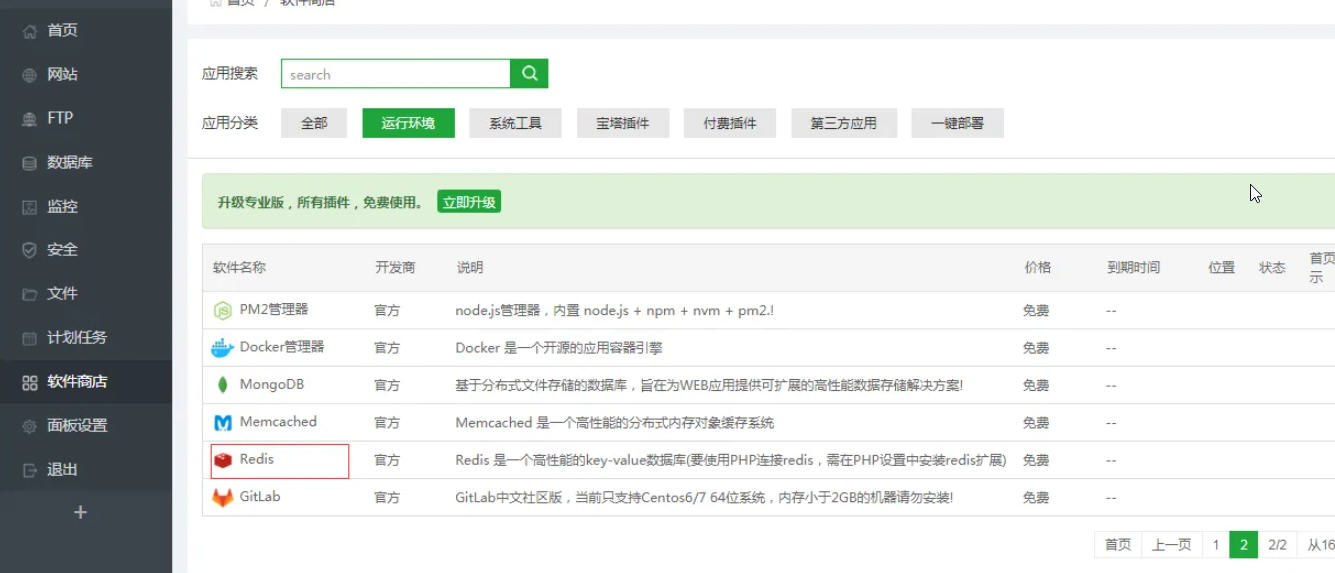
苹果cms如何开启Redis缓存,提高网站打开速度(图文教程)
当你网站影片数据过多,图片过多等,如果不设置缓存,可能会造成网站访问缓慢,或者服务器CPU消耗过高。随着用户访问量的上升,会出现卡顿死机等,添加缓存设置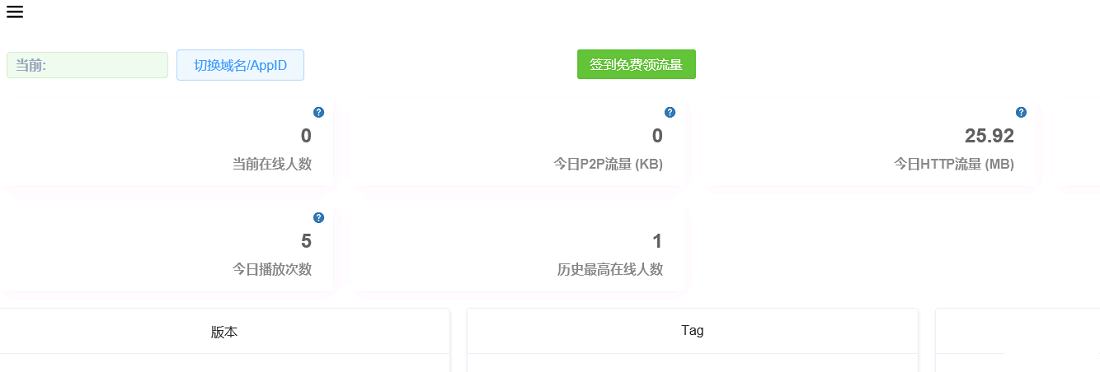
苹果cms10配置本地化播放器p2p加速(苹果cms速度优化)
简介:打开 CDNBye OMS 注册账号。添加域名-认证域名。按照里面步骤来即可。 每天签到可以领流量流量传送门:https://oms.cdnbye.com/ 上传dplayer到网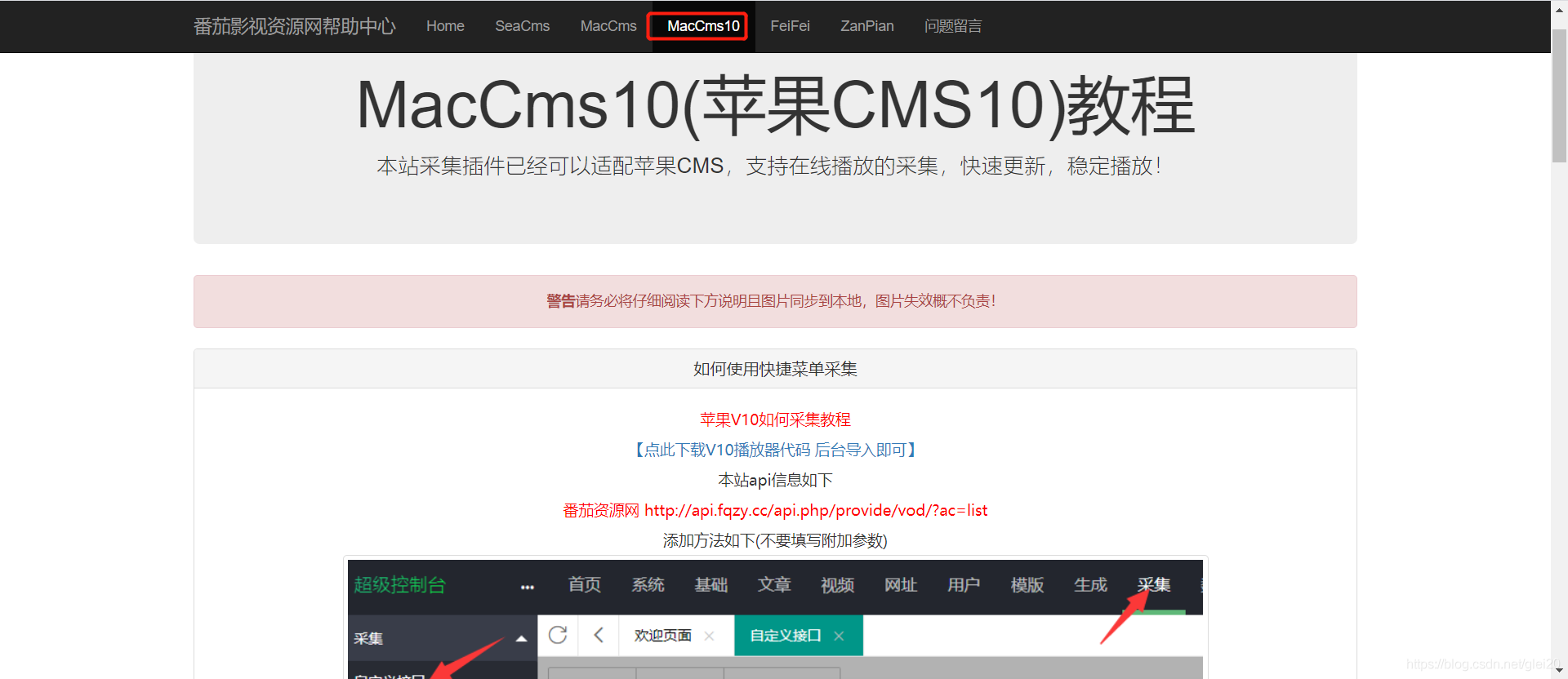
苹果cms v10影视网站数据采集(苹果cms影视采集接口)
前面的文章已经介绍了影视网站的搭建和模板的安装,有需要可以看下苹果cms v10版本搭建影视网站详细教程苹果cms v10影视网站安装海螺主题模板今天主要是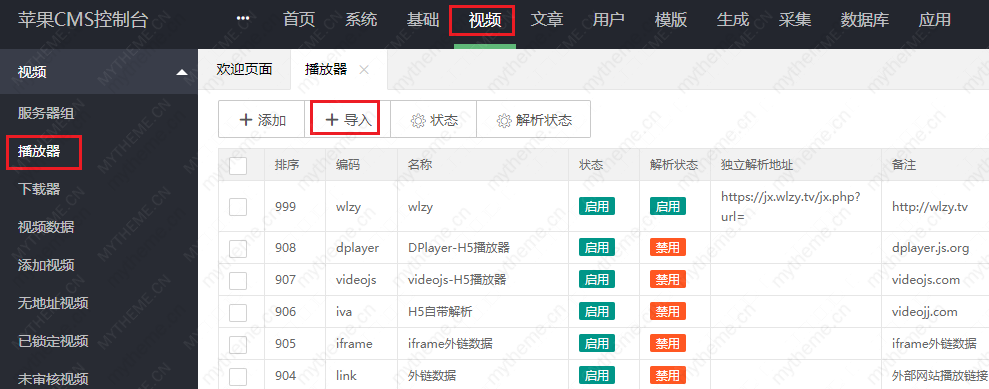
苹果cms采集完没有播放地址的解决方法
苹果cms采集完没有播放地址?这种情况一般是新手经常遇到到的常见问题,如果需要查询问题的话需要从以下几个方面着手:1,苹果cms采集完没有播放地址原因之一(是